
From First Cut to Final File, One Place for Every Client
Send each draft on its own private link, get the client's footage in with an upload link, and deliver the master as the original file. You see who watched and when they downloaded it.

Why You'll Choose vitelnk
Drafts sent as Drive or Vimeo links that anyone can forward and download
A link per client with downloads off, which you can switch off any time
Chasing the client for their interview footage and b-roll
One upload link: they send it without an account, and you approve what you keep
No idea whether the client has watched the new cut
Who opened each link and how far they watched, with an email when they watch most of it
Notes on the cut spread across email and chat
The client replies right under the video
Final files sent over WeTransfer links that expire before the client downloads them
One link to watch the film and, on a trial or paid plan, download the original, with a record of the download
What Video Producers Use vitelnk For
Send the Rough Cut Without Handing Over the File
Each client gets their own link with a password and downloads off. The draft streams for review and stays put until the invoice is paid.
- A password per client, so only they can open it
- Downloads off, with no file URL on the page
- An expiry date or a one-time link for each review round
Notes and Footage Without the Chase
The client replies right under the video, and you see how far they had watched. When you need their footage, one upload link replaces the shared Drive folder.
- Notes under the video, with how far they had watched
- An upload link for their footage, no account needed
- Up to 10 GB per file, with nothing kept until you approve it
Deliver the Final, the Original and Every Edit Together
The final streams for review and downloads as your original file. Put the cut, the teaser and the social edits in one Room behind one link.
- Original file under its real name and format
- Optional 1080p or 720p MP4 copies
- One Room for the cut, the teaser and the social edits
Prove They Watched Before You Invoice
Every view is logged with the link used, how far they watched, the device and the time. Export the log as a PDF when you need a record.
- Who opened each link, and when
- An email when they watch 70% (or the % you choose)
- PDF export of the session log
Get Started in 3 Simple Steps
Upload the Cut
Upload the draft once. Turn downloads off and add a password or an expiry date for the review round.
Send a Link per Client
Create a separate link for each client or stakeholder from the same upload, each with its own settings.
Deliver the Final
Turn downloads on, or send a download-only page, and see when the client saves the original.
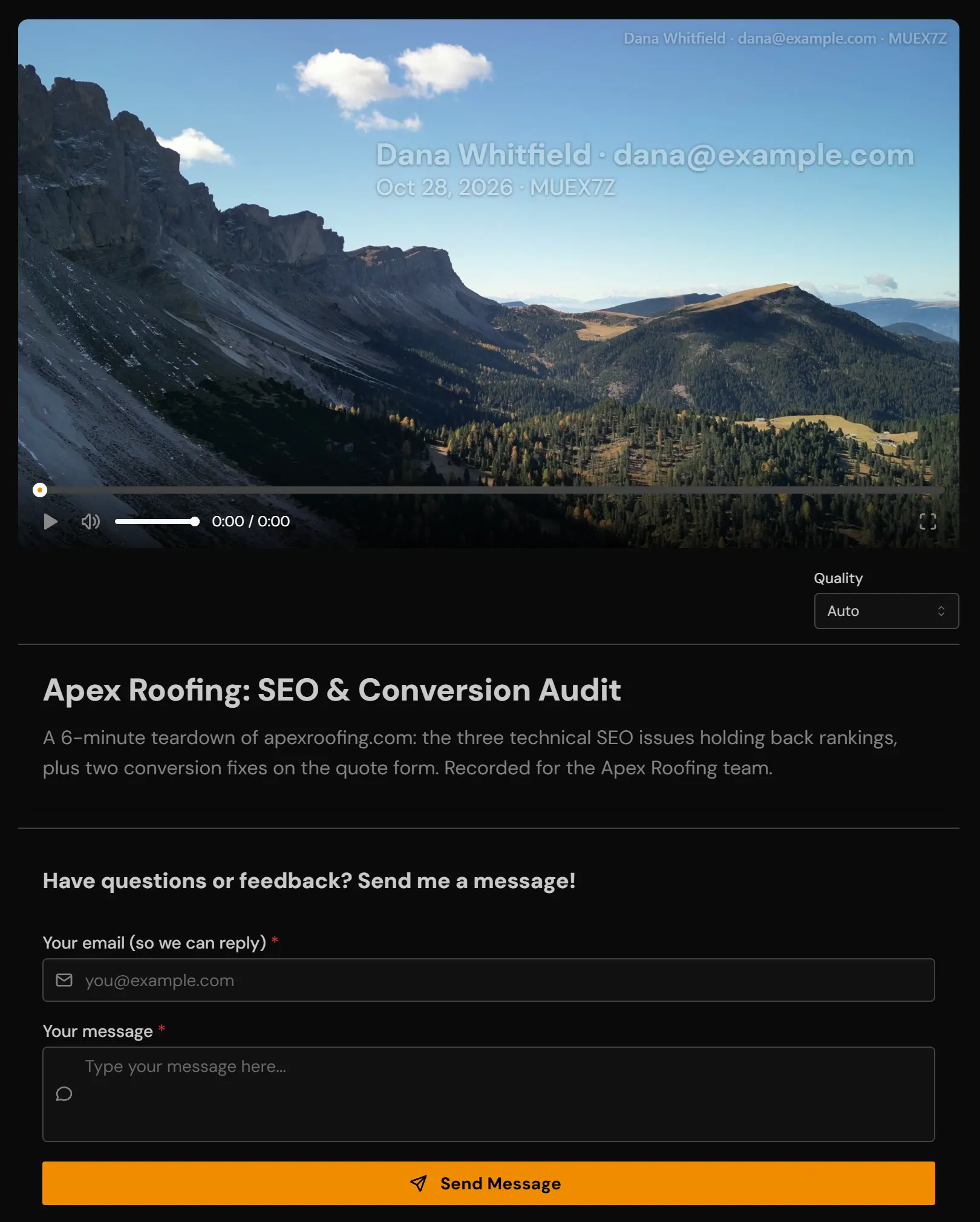
See It In Action
The Features Behind It
Every feature here is included on every paid plan and during the 14-day trial.
A password per link
Each person gets their own password, so one forward never exposes everyone.
Learn moreDownload protection
Videos stream instead of downloading. There is no file URL to copy.
Learn moreExpiring links
Access closes on the date you set, without you having to remember.
Learn moreViewer feedback
Notes and questions from viewers, collected right under the video.
Learn moreCollect videos
One upload link. Clients send you footage without making an account.
Learn moreOriginal file delivery
It streams to watch, and the download is your untouched original under its real name.
Learn moreRooms
Several videos on one branded page, with analytics for each one.
Learn morePer-viewer analytics
Who opened it, how far they got, on what device, and when they came back.
Learn moreprofessionals already on vitelnk
video views tracked
countries where videos were watched
Early access. Numbers growing daily.
Plans That Scale With You
From simple hosting to advanced viewer registration, choose a plan that fits your workflow.
Unlimited videos for growing businesses
Unlimited Videos
2TB Storage
Up to 10GB per video upload
Upload up to 4K (3840×2160)
Named recipient tracking
Viewer session reports & digests
Custom thumbnails & GIFs
Public share links & Embeds
Single-use & Timed links
Advanced Analytics & PDF export
Viewer registration forms
For teams and small studios
All Professional features
Up to 10 team members
5TB shared storage
Workspace management
Role-based permissions
Activity audit logs
Priority support
Questions You Might Have
How do I stop a client downloading the draft?
How do I get footage from the client?
Can I see whether the client watched the new cut?
What if several people at the client need to review it?
Can clients download the final file once it's approved?
Is there a free trial?
Other Use Cases
See how other professionals use vitelnk to share videos securely.
Every Draft and Every Final in One Place
Private review links, the client's footage in with one link, and the original file out, with a record of who watched.