
Turn Personalized Design Walkthroughs Into Signed Clients
Send each prospect their own tracked link. Know exactly who watched, how far they got, and convert viewers into booked discovery calls, without chasing or guessing.

Why You'll Choose vitelnk
Walkthrough videos vanish into inboxes with no response
An email when a prospect watches 70% or more, with their name if you sent a named link
No idea which prospects watched, or how far they got
Follow up knowing how far they got, down to the minute: 30%, half, or all of it
Client site audits forwarded to third parties without your knowledge
Download protection and named links keep audits private and attributable
"Just checking in" emails sent on a guess, days too late
Booking CTA converts warm viewers into discovery calls without email back-and-forth
Scope disputes and payment delays with no proof of review
A timestamped view log of what the client watched
What Web Designers Use vitelnk For
Know the Moment a Prospect Watches Your Walkthrough
An email when they watch, with their name if you sent a named link, so your follow-up lands while the design is still fresh.
- An email at 70% watched (or the % you choose)
- Their name on the session with a named link
- How far they got, in 10% steps with the time in the video
Private Walkthroughs of the Client's Site
Walk through the client's site on a password-protected link. Downloads stay off, and you can switch the link off any time.
- A password per link
- Downloads off, with no file URL on the page
- An expiry date, or a link that works once
Book the Discovery Call After the WalkthroughOptional
Give them the next step the moment the walkthrough ends: a button, or your calendar right under the video.
- A button when the video ends
- Your Calendly or Cal.com calendar under the video
- See who clicked, person by person
Hand Over the Site, Then Put Video on It
Send a handover video with a link for each person on the client's team, and embed videos on the client's site without losing the analytics.
- A link for each person on the client's team
- Embed code for the client's site
- Views and watch depth still tracked on their site
Get Started in 3 Simple Steps
Upload & Configure
Drop your Figma screen recording, site audit, or design presentation. If you want, add a Calendly link or an "Accept Proposal" button for when they finish watching.
Send a named invite link
Create a unique tracked link per prospect. They click and watch, no login required, and you see exactly who it is.
Follow up with insight
Get an email when they watch most of it, and see how far they got before you follow up.
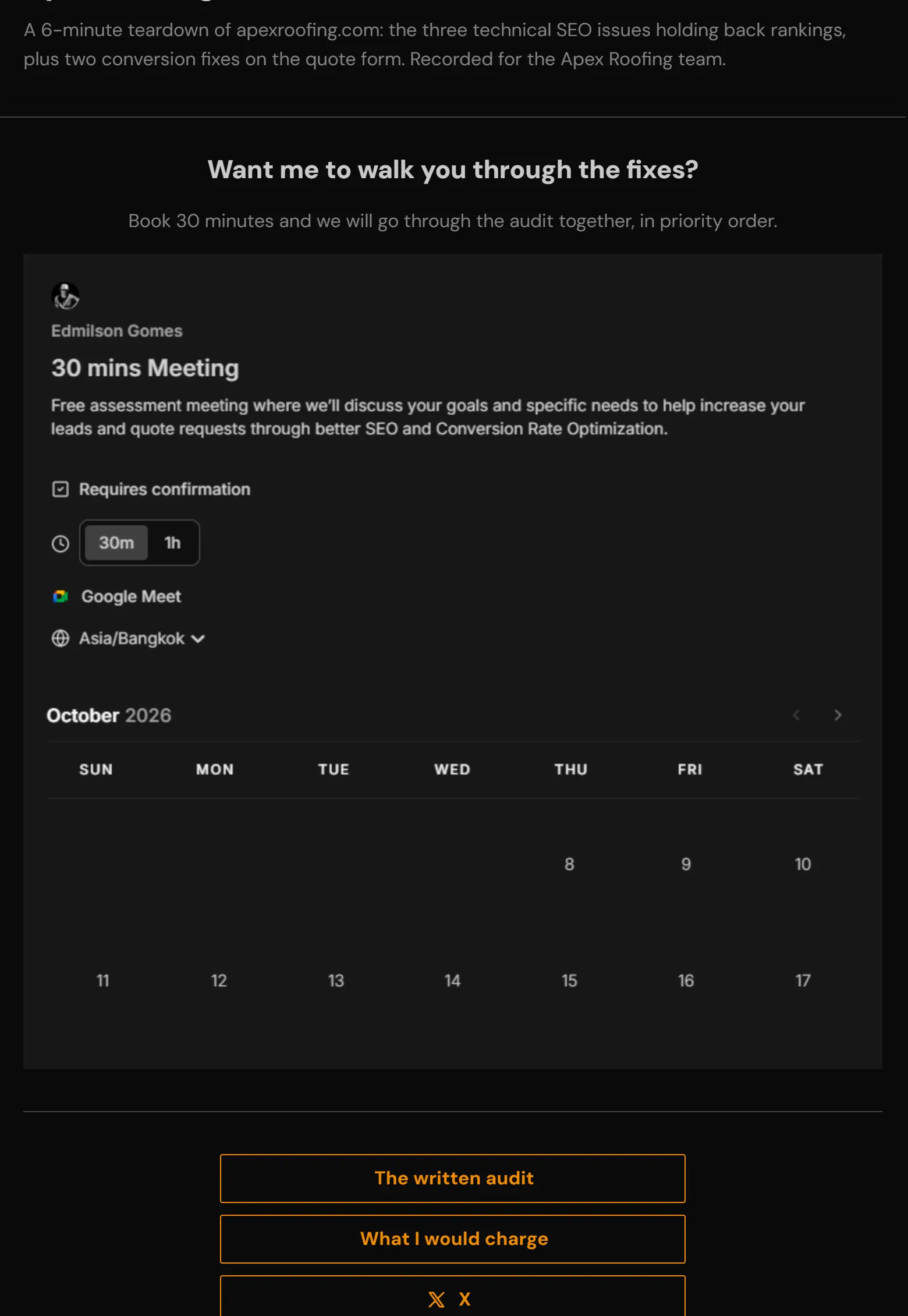
See It In Action
The Features Behind It
Every feature here is included on every paid plan and during the 14-day trial.
Watch alerts
An email when someone watches 70% of your video, or the % you choose.
Learn moreNamed links
A link per person, so every view comes with a name.
Learn morePer-viewer analytics
Who opened it, how far they got, on what device, and when they came back.
Learn moreA password per link
Each person gets their own password, so one forward never exposes everyone.
Learn moreDownload protection
Videos stream instead of downloading. There is no file URL to copy.
Learn moreButtons after playbackOptional
Send viewers to your calendar, proposal or invoice when the video ends.
Learn moreBooking calendarOptional
Your Calendly or Cal.com calendar right under the video.
Learn moreEmbeds
Put the video on any website and keep the view tracking.
Learn moreprofessionals already on vitelnk
video views tracked
countries where videos were watched
Early access. Numbers growing daily.
Plans That Scale With You
From simple hosting to advanced viewer registration, choose a plan that fits your workflow.
Unlimited videos for growing businesses
Unlimited Videos
2TB Storage
Up to 10GB per video upload
Upload up to 4K (3840×2160)
Named recipient tracking
Viewer session reports & digests
Custom thumbnails & GIFs
Public share links & Embeds
Single-use & Timed links
Advanced Analytics & PDF export
Viewer registration forms
For teams and small studios
All Professional features
Up to 10 team members
5TB shared storage
Workspace management
Role-based permissions
Activity audit logs
Priority support
Questions You Might Have
How is this different from just sharing a Loom link?
Will my prospects find this annoying or suspicious?
Can I see which parts of my Figma walkthrough they actually watched?
Can I protect my design process from being copied?
Is there a free trial?
Other Use Cases
See how other professionals use vitelnk to share videos securely.
Convert Design Walkthroughs Into Signed Projects
Know which prospects engaged with your work and convert warm viewers into booked discovery calls.